
Documentation menu
App management, control and monitoring
NetworkTuna keeps a list of every app that uses the network on this PC. Use these tools to investigate what you see and to decide what happens next:
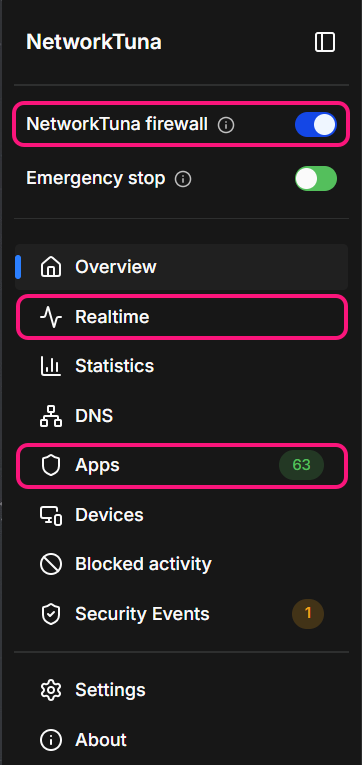
- The Apps page lists the apps found on this computer and their firewall settings.
- The Realtime page shows current app and connection traffic.
- The app firewall decides which apps can connect, and asks you about apps it does not know yet.
You find all three in the sidebar of the NetworkTuna window: choose Apps or Realtime, and use the NetworkTuna firewall switch to turn the app firewall on or off.
NetworkTuna works alongside Microsoft Defender Firewall or your preferred Windows firewall. It is an addition, not a replacement.